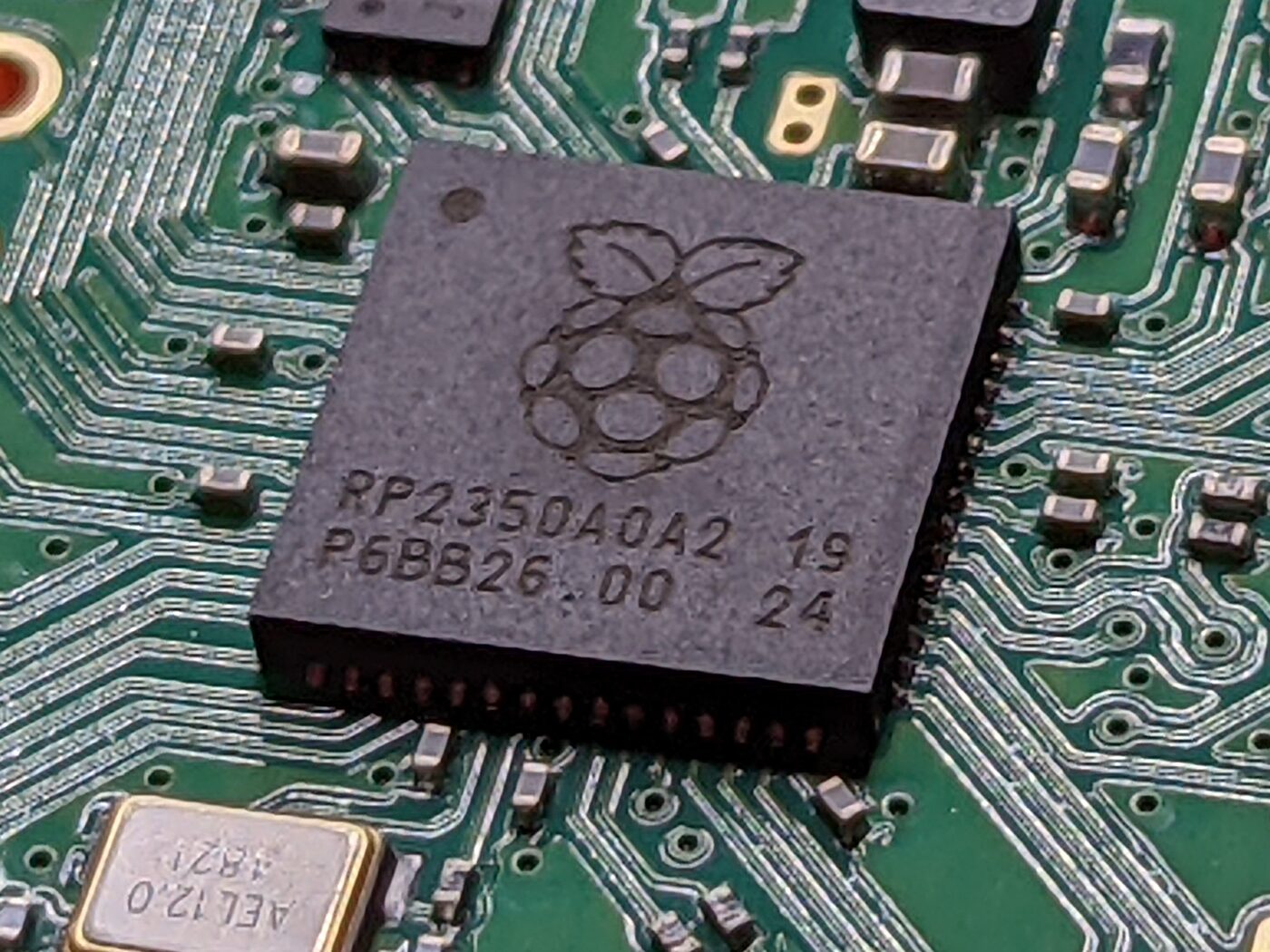
When I wrote about getting Betaflight debugging working on the RP2350, I glossed over something that deserves an article of its own. On paper the RP2350 looks under-gunned for a flight controller: just two hardware UARTs, no flexible timer-driven output compare blocks of the kind we lean on so heavily on STM32. By rights it should not be able to fly a quad at all.
And yet it does – because of PIO, the Programmable I/O. PIO is the single most interesting thing about this chip, and once it clicks you start seeing missing peripherals as a solvable problem rather than a dead end.
So what is PIO?
PIO is a cluster of tiny, deterministic co-processors that do nothing but push and pull bits on GPIO pins, cycle-by-cycle, completely independently of the CPU. Each one runs a minuscule program written in a nine-instruction assembly language. That is not a typo – the entire instruction set is nine instructions: jmp, wait, in, out, push, pull, mov, irq and set.
On the RP2350 you get:
- 3 PIO blocks (the RP2040 had 2)
- 4 state machines per block – 12 in total
- 32 instructions of shared program memory per block
- Per state machine: two shift registers, two scratch registers (X and Y), a 4-word TX FIFO and a 4-word RX FIFO (joinable into one 8-word FIFO), and a fractional clock divider with 16 integer and 8 fractional bits
Thirty-two instructions sounds laughably small – until you realise an entire UART receiver fits in nine of them. Because every instruction executes in exactly one clock (barring explicit delays), you get bit-perfect, jitter-free timing without burning a single CPU cycle. That determinism is the whole point.
Why a flight controller needs it
Count the serial ports on a real build: USB, the receiver, GPS, telemetry, an ESC sensor, a VTX, maybe SmartAudio and a spare for the bench. Then look at the RP2350: UART0 and UART1. Two. That is the whole hardware allotment.
So Betaflight fills the gap with PIO. The same goes for motor output – DSHOT is a precisely-timed serial protocol with no dedicated hardware on this chip – and for WS2812 LED strips, which are pure timing tyranny. Each of these becomes a little PIO program instead.
How Betaflight carves up the PIO blocks
The platform code assigns one job per block so the three peripherals never fight over state machines or program memory:
#define PIO_DSHOT_INDEX    0    // motors
#define PIO_UART_INDEX     1    // PIOUART0, PIOUART1
#define PIO_LEDSTRIP_INDEX 2    // LED strip
#define PIO_OSD_INDEX      2    // OSD video (shares block 2)
| Peripheral | Block | SMs | Program size |
|---|---|---|---|
| DSHOT600 | 0 | 1 per motor | 13 instr |
| Bidirectional DSHOT600 | 0 | 1 per motor | 29 instr |
| PIO UART (RX + TX) | 1 | 2 per UART | 9 + 5 instr |
| WS2812 LED strip | 2 | 1 | 4 instr |
| OSD video overlay | 2 | 1+ | ~20 instr |
DSHOT, written in PIO
This is my favourite one. DSHOT is just a stream of bits where a 1 is a long high pulse and a 0 is a short one. That maps almost directly onto a PIO program. Here is the non-bidirectional DSHOT600 program (from src/platform/PICO/dshot.pio), trimmed for clarity:
.program dshot_600
start:
    set    pins, 0           [31]   ; idle low
    nop                      [20]
    pull   block                    ; wait for the next frame
    out    y, 16                     ; discard the unused top 16 bits
bitloop:
    out    y, 1                      ; shift the next bit into y
    jmp    !y, outzero
    set    pins, 1           [26]    ; '1' = long high...
    set    pins, 0           [9]     ; ...then short low
    jmp    !osre, bitloop
    jmp    start
outzero:
    set    pins, 1           [12]    ; '0' = short high...
    set    pins, 0           [22]    ; ...then long low
    jmp    !osre, bitloop    [1]
The state machine runs at 75 MHz (the 150 MHz core clock with clkdiv = 2), which makes a DSHOT bit exactly 125 PIO cycles – 1.667 µs. The CPU just drops a 16-bit value into the TX FIFO with pio_sm_put() and walks away; the state machine clocks the whole frame out with perfect timing.
The bidirectional variant is where it gets clever. It grows to 29 instructions, inverts the line (idle high), then flips the same pin to an input to receive the ESC’s GCR-encoded eRPM telemetry – oversampling the response and pushing it back up the RX FIFO for the CPU to decode. One pin, one state machine, both directions. Try doing that with a timer.
Soft UARTs that aren’t soft
The PIO UARTs are not bit-banged in the usual, CPU-melting sense. The receiver is a nine-instruction program that waits for the start bit, then samples each data bit at the centre of its window; the transmitter is five instructions. Each PIOUARTx claims two state machines (one RX, one TX) on block 1, with an interrupt per UART to drain the FIFO. The result behaves like a real UART, because to the rest of the firmware it is one – it just happens to live in a state machine instead of silicon.
One nice RP2350 touch the code leans on: pio_set_gpio_base(). The RP2350B has up to 48 GPIOs, more than a single PIO block can reach at once, so you can slide a block’s window up to address pins 16–47. That is how the higher-numbered UART pins in the board config get serviced at all.
LED strips and even video
The WS2812 driver is the most extreme example of doing a lot with almost nothing: a four-instruction program generates the strip’s brutal timing, and a DMA channel streams colour data straight into the TX FIFO so the CPU never babysits it. channel_config_set_dreq(&c, pio_get_dreq(pio, sm, true)) paces the DMA to the state machine – set it up once, then forget it.
And then there is the OSD: block 2 also carries a PIO program that detects PAL/NTSC sync and clocks out pixel data to overlay text on an analogue video feed. A general-purpose microcontroller generating composite video overlays from a 20-instruction program is, frankly, ridiculous – in the best way.
The takeaway
PIO reframes the whole problem. Instead of asking “does this chip have the peripheral I need?” you ask “can I describe the protocol in 32 instructions?” – and the answer is very often yes. Three blocks, twelve state machines, and a nine-instruction language turn a chip that looks short on peripherals into one that has exactly the peripherals you are willing to write. For a flight controller juggling motors, serial ports, LEDs and video all at once, that is the difference between “can’t” and “flies beautifully.”