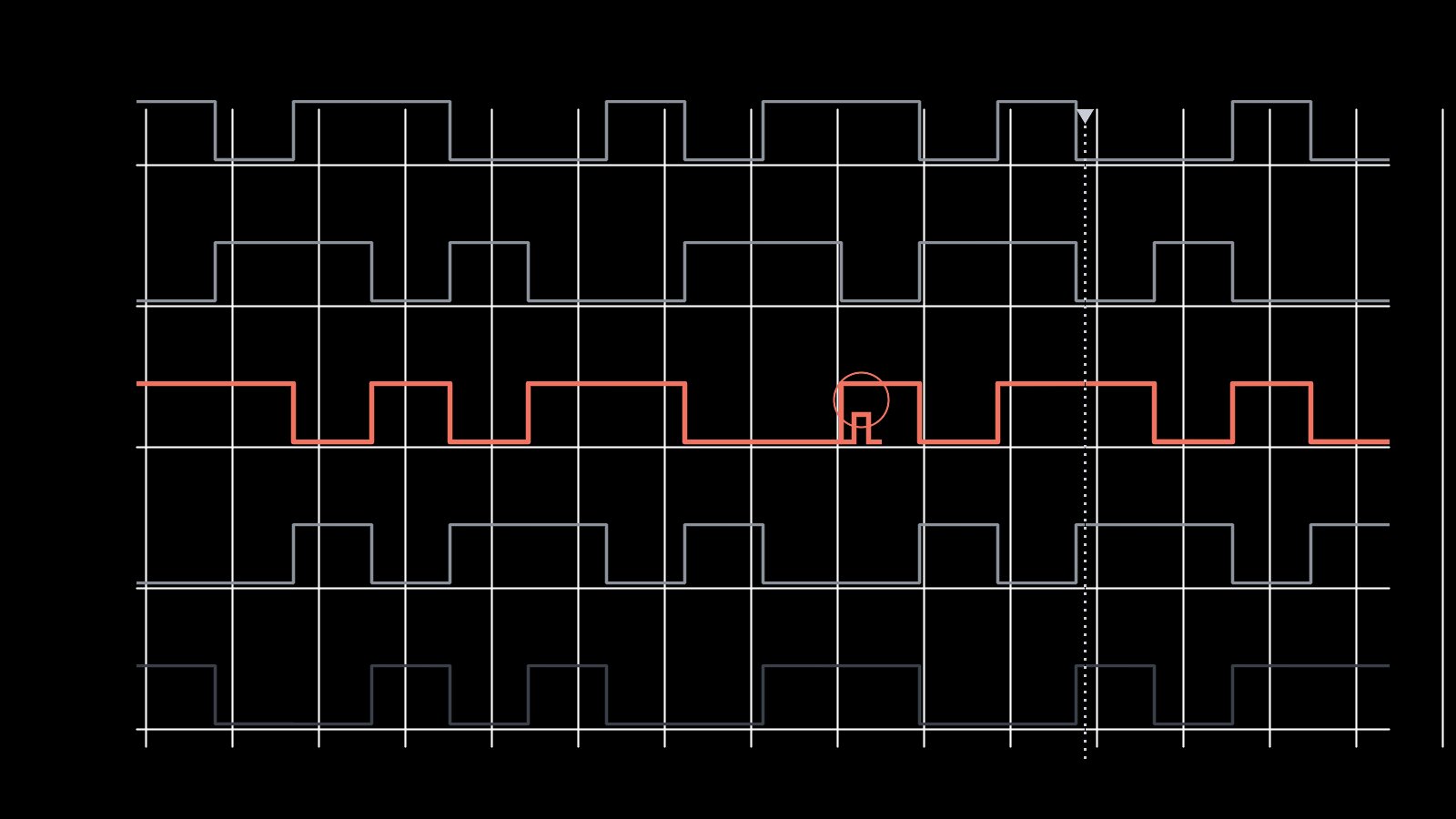
In the last piece I looked at AI as a coding partner. This time I wanted to push on the bit everyone seems most excited and most nervous about: not writing the code, but debugging the hardware. Can you point a model at the raw evidence – a logic-analyser capture, a register dump, a blackbox log – and have it tell you what the silicon is actually doing?
So I tried it, on things I already understood well enough to mark its work. That last part turned out to matter enormously.
The experiment
I fed a model three kinds of evidence, one at a time:
- A decoded DSHOT capture – the bit timings and framing off a motor output line.
- An RP2350 register dump, raw hex, no labels – the sort of thing you stare at when a peripheral refuses to come up.
- A snippet of blackbox flight log with a glitch in it.
In each case I asked the same thing: tell me what is happening, and tell me what is wrong.
Where it genuinely shone
Given a protocol and a spec, it is a superb decoder ring. Hand it the DSHOT bitstream and remind it of the frame format, and it will happily walk the bits, pull out the throttle value, check the CRC and flag the frame where the bit period drifted. That is real, useful work – the kind of tedious cross-referencing that is easy to get wrong by hand at midnight.
The register dump was the pleasant surprise. Paired with the device’s SVD – the same peripheral definition file that powers the debugger’s register view – it decoded raw hex into named fields and spotted the obvious tell straight away: a clock-enable bit still sitting at zero. That is a genuinely nice way to turn an opaque wall of hex into something a human can act on.
It is also a relentless, structured rubber duck. Forcing yourself to lay out the evidence cleanly enough for a model to read is, by itself, half of debugging.
Where it face-planted
And then it lies to you, beautifully.
- No ground truth. It cannot see the scope. When the data contradicts the textbook, it sides with the textbook – confidently “correcting” a timing value to what it should be rather than what the capture actually showed. On real hardware, the discrepancy is the bug. Smooth it over and you have deleted the evidence.
- Anchoring. Whatever it guessed first, it defends. Once it decided a problem was a baud-rate mismatch, every subsequent clue got bent to fit that story. It will not spontaneously throw out its own hypothesis the way a suspicious human does.
- Plausible nonsense. Give it noise and it finds signal anyway. Ask “what’s wrong with this trace?” about a perfectly healthy capture and it will manufacture a fault, in fluent, authoritative prose.
That last one is the trap. The failure mode is not “I don’t know” – it is a wrong answer delivered with exactly the same confidence as a right one. If you did not already know the answer, you would have no way to tell them apart.
Closing the loop: automating the Saleae
Everything that went wrong above shares one root cause: the model is working from a static, after-the-fact snapshot. It cannot ask the hardware a question. That is exactly what changes the moment you let it drive the logic analyser itself.
The Saleae Logic 2 ships with an Automation API – a gRPC interface with a tidy Python wrapper (saleae.automation). A handful of lines will start a capture, configure the device and channels, attach an analyser (async serial on the DSHOT line, say), run for a fixed window, and export the decoded result to CSV:
from saleae import automation

with automation.Manager.connect() as manager:
    device = automation.DeviceConfiguration(
        enabled_digital_channels=[0, 1, 2, 3],
        digital_sample_rate=50_000_000,
    )
    capture_cfg = automation.CaptureConfiguration(
        capture_mode=automation.TimedCaptureMode(duration_seconds=0.5)
    )
    with manager.start_capture(device_configuration=device,
                               capture_configuration=capture_cfg) as capture:
        capture.wait()
        capture.add_analyzer('Async Serial', settings={ ... })
        capture.export_data_table('/tmp/cap.csv', analyzers=[ ... ])
(Check the current docs for exact signatures – Saleae have iterated on the API.) The detail that matters is what this unlocks: once a capture is just a function call that returns decoded data, you can hand that function to the model as a tool. Now it is no longer a passive reader of one frozen trace. It can form a hypothesis, trigger a fresh capture to test it, read the result, and revise – the feedback loop that was missing the whole time.
That is where the real potential lives, and the earlier failure modes change character rather than simply persisting. Anchoring matters far less when the next capture can contradict the last guess. “Plausible nonsense” gets caught the instant the model has to predict what the probe will show and is wrong. And you can push it further: tweak a parameter on the board, re-capture, and diff before against after; bisect a glitch by narrowing the trigger; or leave it looping, watching for the intermittent fault that only turns up one flight in fifty. Repetitive, patient, exactly-specified work – precisely the kind humans are worst at staying alert through.
It is still not an oracle. But an LLM that can actually probe the hardware, instead of squinting at a screenshot of it, is a categorically more useful thing – and it is the difference between a party trick and a tool you would leave running on the bench overnight.
So, can you vibe debug hardware?
Sort of – and only with your hands firmly on the wheel. As a decoder, a register translator and a structured second opinion, it earns its place on the bench. As an oracle you trust without checking, it is genuinely dangerous, because the cost of a confidently-wrong diagnosis in firmware is a chase down the wrong rabbit hole for a day.
The honest position is the same one as last time: it does not replace the scope, the datasheet or the engineer’s suspicion. It just makes the person who already has all three a good deal faster. Vibe debugging is a real technique – right up until the moment you stop verifying, at which point it is just vibing.